

Introductory videos

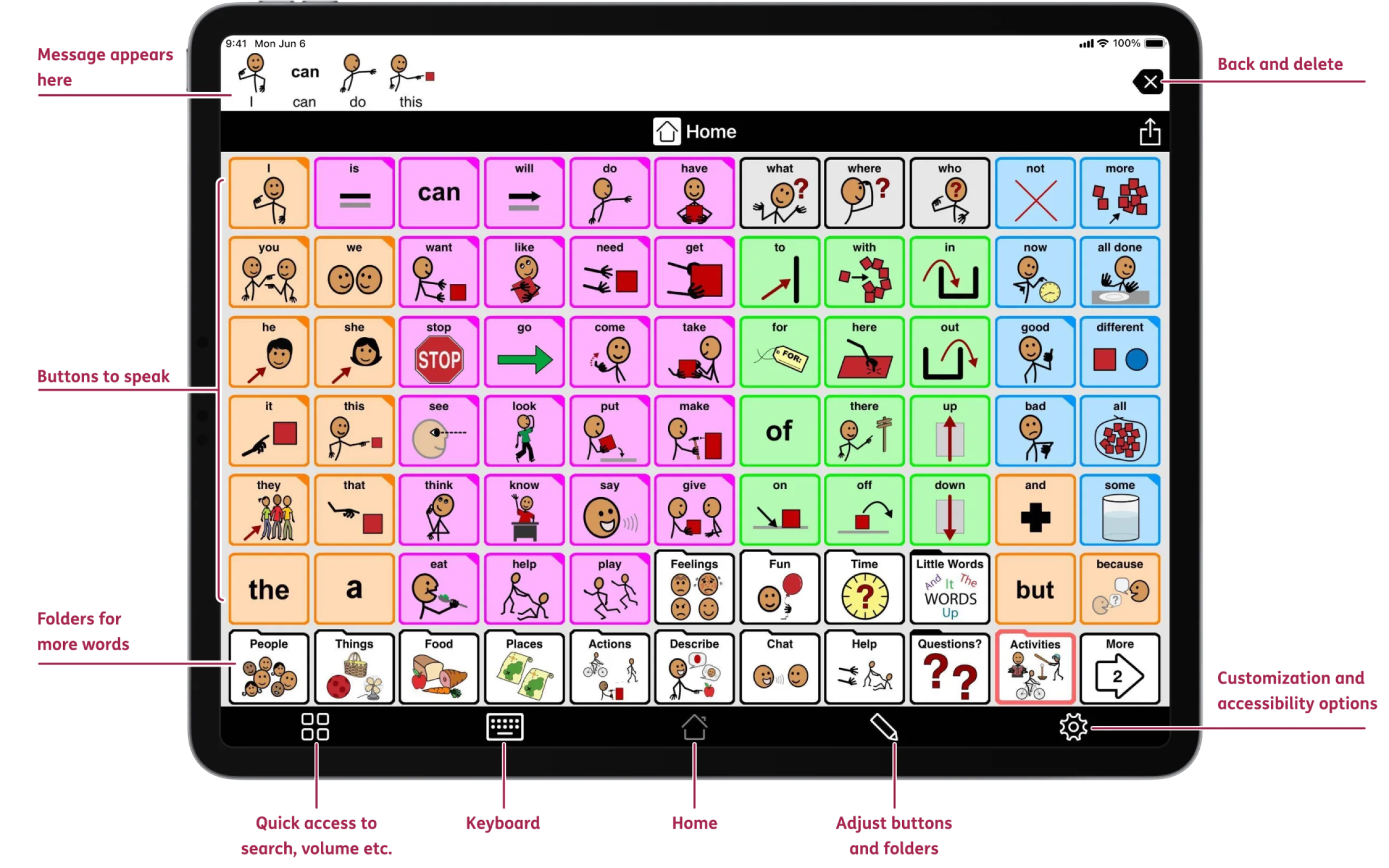
On this page we will offer a number of introductory videos covering the basic features of Proloquo2Go.

Note: These videos were made with a previous version of Proloquo2Go and do not accurately represent the current interface - New videos will be made.

Video 1. Introduction to Proloquo2Go

There is also a YouTube version on the AssistiveWare and Proloquo2Go channels that you can use for incorporation in your blog or for other forms of sharing.

Finally, if you want a high quality, high resolution version to use on your computer for training or other educations purposes you can download (by right- or control-clicking) this introductory video in Windows Media Video format or QuickTime format.

Video 2. Introduction to the Proloquo2Go Vocabulary - part 1

There is also a YouTube version that you can use for incorporation in your blog or for other forms of sharing.

Video 3. Introduction to the Proloquo2Go Vocabulary - part 2

There is also a YouTube version that you can use for incorporation in your blog or for other forms of sharing.

Video 4. Introduction to the Proloquo2Go Vocabulary - part 3

There is also a YouTube version that you can use for incorporation in your blog or for other forms of sharing.

Video 5. Proloquo2Go Settings: Appearance - Display

There is also a YouTube version that you can use for incorporation in your blog or for other forms of sharing.

Video 6. Proloquo2Go Settings: Appearance - Color

There is also a YouTube version that you can use for incorporation in your blog or for other forms of sharing.

Video 7. Proloquo2Go Settings: Appearance - Text

There is also a YouTube version that you can use for incorporation in your blog or for other forms of sharing.

Video 8. Proloquo2Go Settings: Appearance - Images

There is also a YouTube version that you can use for incorporation in your blog or for other forms of sharing.